
I noticed a while back that my blog’s English logo was mysteriously missing when viewed on Chrome for Android. Strangely enough, it displayed perfectly fine on my phone’s stock browser. I initially brushed it off as a glitch—perhaps a network hiccup or a caching issue—and decided to leave it be.
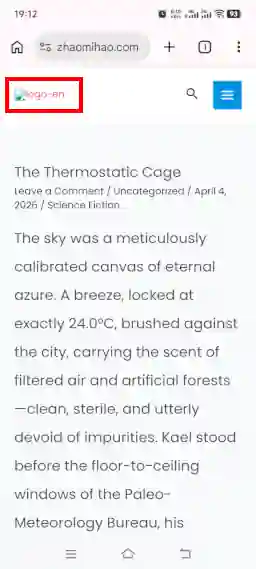
However, I started to suspect there was more to it. After months of the logo consistently failing to load on Chrome for Android, I realized I couldn’t blame “bad luck” anymore. It was time to roll up my sleeves and fix this.
🧪 The Investigation
First, I ran a series of tests across different browsers to isolate the issue. The results were consistent:
- Chrome for Android: Logo missing ❌
- Firefox for Android: Logo missing ❌
- Vivo Browser (Stock): Logo visible ✅
- Chrome (Ubuntu Desktop): Logo visible ✅
- Firefox (Ubuntu Desktop): Logo visible ✅
It was clear that the issue was specific to certain mobile browsers.
🔍 Ruling Out the Usual Suspects
- Is it a browser bug? I updated Chrome for Android to the latest version. No luck—the logo was still gone.
- Is it the image format? The logo is in WebP format. While it’s modern, maybe some browsers don’t support it? I quickly ruled this out because other WebP images on the blog were loading without issues.
- Is it the cache? Although I was skeptical, I followed the standard IT advice: “Have you tried turning it off and on again?” I cleared the browser cache. The result? Still nothing.
💡 The “Aha!” Moment
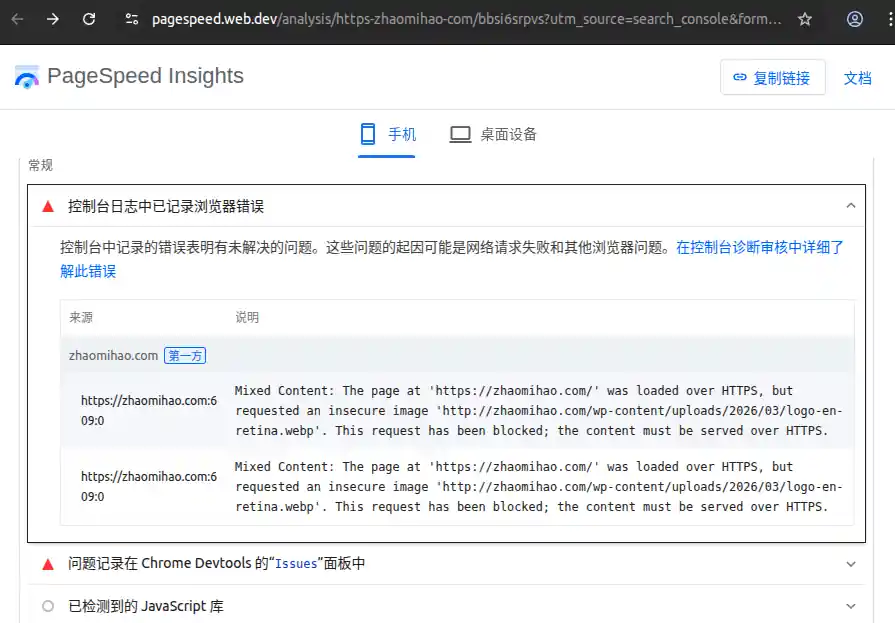
Just when I was running out of ideas, I turned to Google PageSpeed Insights. I ran a test on my blog’s homepage using the mobile simulation mode. To my surprise, the tool reported that the logo was missing there, too!
More importantly, it gave me the reason: Mixed Content.
The page was loaded via HTTPS (secure), but the image was being requested via HTTP (insecure). For security reasons, modern browsers block these insecure requests automatically.
🛠️ The Fix
The culprit was identified. Now for the repair.
My blog uses the Astra theme for WordPress. The logo URL is set in the WordPress dashboard, which automatically generates the image URL based on the site’s configuration. Specifically, it relies on the WP_HOME and WP_SITEURL constants to build the link. To fix the protocol (changing http to https), I needed to update those constants.
If I weren’t running a WordPress Multisite network, this would have been a piece of cake. Unfortunately, modifying the WP_HOME and WP_SITEURL for the main site in a Multisite environment is a bit trickier.
After some trial and error, I managed to get it working. I’ve detailed the specific steps in a separate post: How to Properly Change the Main Site URL in WordPress Multisite
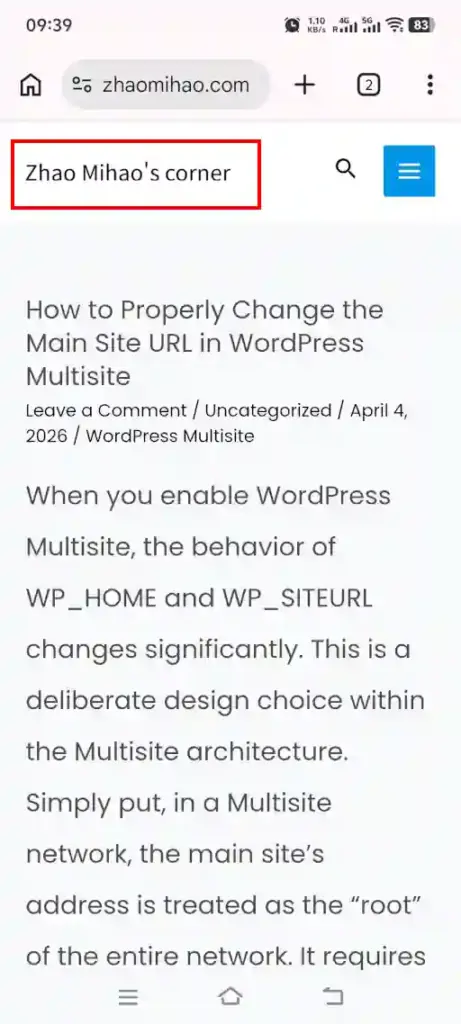
Here is how the homepage looks now on Chrome for Android—fully fixed!
🤔 A Lingering Question
Case closed, right? Not quite.
As I was wrapping this up, a new question popped into my head: If the logo was blocked due to the HTTP/HTTPS mismatch, why were the images inside the blog posts loading correctly? They were seemingly subject to the same rules but didn’t face the same fate.
That’s a mystery for another day. If I find the time, I’ll dig into that inconsistency later.